
Start here
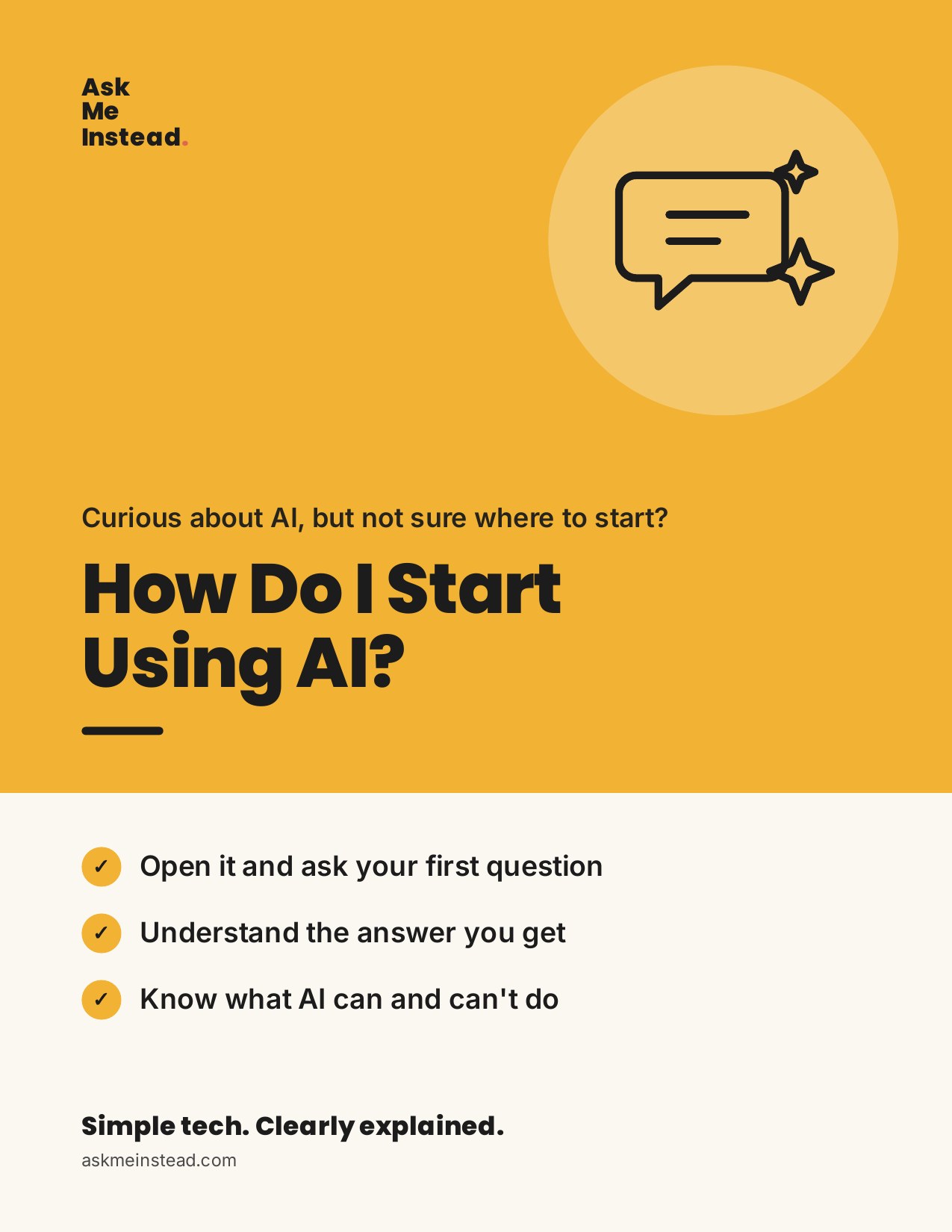
Curious about AI, but not sure where to start?
How Do I Start Using AI?
Try it without feeling silly or behind. Ask your first question and see what it can, and can't, do. No experience needed.
$17.99
Go at your own pace · yours forever
- Yours to keep: read it on your phone, tablet, or computer
- Easy to print, with big text and pictures of the screens
- Download it right after you pay. We'll email you a copy too.
- Questions? Email me directly at mimi@askmeinstead.com
Want me to go through it with you? Book a 45-minute call with me.
What you’ll learn
- How to open an AI tool and start
- How to ask your first question
- How to understand the answer you get
- How to ask a follow-up when the answer is not quite right
- How to know when to double-check what AI tells you
This guide is for you if…
- “What exactly is AI, and where do I even start?”
- “What do I type into ChatGPT?”
- “How do I know if the answer it gives me is right?”
Take a peek inside
Every step shows you what your screen looks like, what to tap, and how to know it worked. Tap a page to see it bigger.
A note from Mimi
I made this guide the way I’d explain it to my own mom, sitting next to her, looking at the same screen. Go at your own pace. Skip to the part you need. And if you get stuck, I’m here.
— Mimi, founder of Ask Me Instead
“Don’t be afraid, for I am with you.” Isaiah 41:10 (NLT)
We’ll go through this together
Here’s what’s inside, one step at a time.
- 01
What this thing actually is
Think of it as a very well-read helper you can type to. You ask a question in ordinary words, and it writes an answer back. That is the whole idea.
- 02
Getting to the right screen
Open your web browser and type chatgpt.com in the address bar at the top. Press Enter. You will land on a page with a box at the bottom.
Still stuck? I’m here.
If you’d rather do it side by side, book a 45-minute call and we’ll go through it together.
Book a call with MimiHow Do I Start Using AI?
$17.99 · yours forever