
Faith
Want to see the people you love, without getting stuck on the screen?
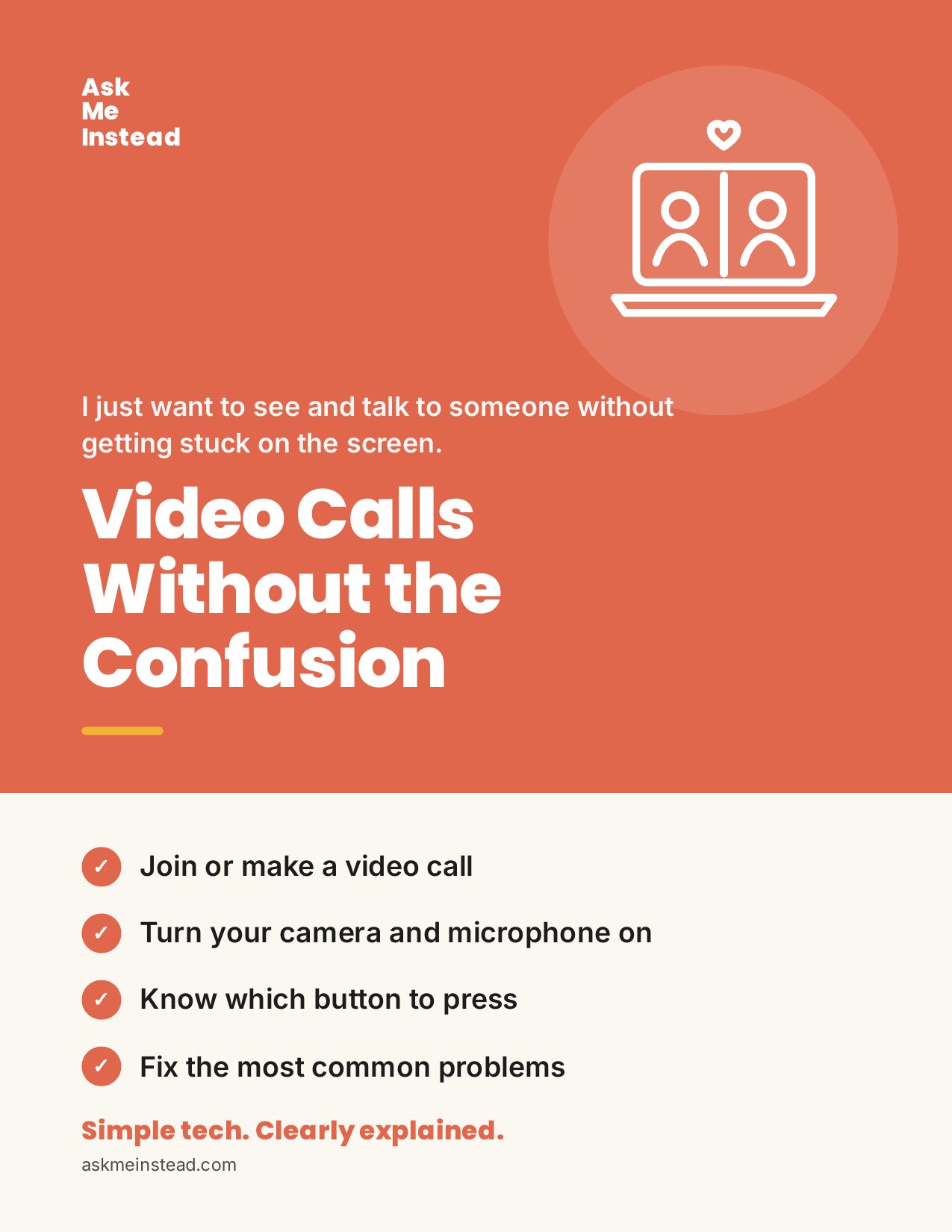
Video Calls Without the Confusion
Spend the call talking, not troubleshooting. Join Zoom, FaceTime, WhatsApp, Teams, or Google Meet, and fix "they can't hear me" fast.
$17.99
Go at your own pace · yours forever
- Yours to keep: read it on your phone, tablet, or computer
- Easy to print, with big text and pictures of the screens
- Download it right after you pay. We'll email you a copy too.
- Questions? Email me directly at mimi@askmeinstead.com
Want me to go through it with you? Book a 45-minute call with me.
What you’ll learn
- How to tell which app you need just by reading the link
- How to join a Zoom call from a link, with or without the app
- How to FaceTime your family, even the ones with Android phones
- How to make WhatsApp video calls with one person or the whole family
- How to join a Teams or Google Meet call as a guest
- How to fix "they can't hear me," echo, and a frozen picture
This guide is for you if…
- “My doctor sent me a link. What do I do with it?”
- “Why can't they hear me?”
- “Do I need Zoom, or Teams, or what?”
Take a peek inside
Every step shows you what your screen looks like, what to tap, and how to know it worked. Tap a page to see it bigger.
A note from Mimi
I made this guide the way I’d explain it to my own mom, sitting next to her, looking at the same screen. Go at your own pace. Skip to the part you need. And if you get stuck, I’m here.
— Mimi, founder of Ask Me Instead
“Don’t be afraid, for I am with you.” Isaiah 41:10 (NLT)
Still stuck? I’m here.
If you’d rather do it side by side, book a 45-minute call and we’ll go through it together.
Book a call with MimiVideo Calls Without the Confusion
$17.99 · yours forever